AI Website Redesign for Portfolios, Studios and Personal Brands
Portfolio sites, studio websites, and personal brand pages share something that most small business sites do not: they have to carry a personality. A plumber’s website needs to answer questions. A designer’s portfolio needs to make a feeling. An independent photographer’s site is not just a gallery – it is an argument for why you, specifically, are the person for this project.
That difference matters enormously when you are evaluating whether an AI redesign tool is the right fit. I think about this from the perspective of the clients I work with – creatives, coaches, independent professionals, and small studio teams who all need websites that reflect something true about them, not just something technically current. Here is my honest take on where AI redesign fits for this kind of project, where it falls short, and how to use it without losing the thing that makes a creative’s site worth visiting.
What AI Redesign Actually Does to a Portfolio Site
Tools like uKit AI analyze an existing site and produce a modernized version. Same content, updated presentation. The layout becomes mobile-responsive, HTTPS is applied, the code is cleaned up, and the visual conventions are updated to reflect what is current rather than what was standard five or eight years ago. This takes about ten minutes.
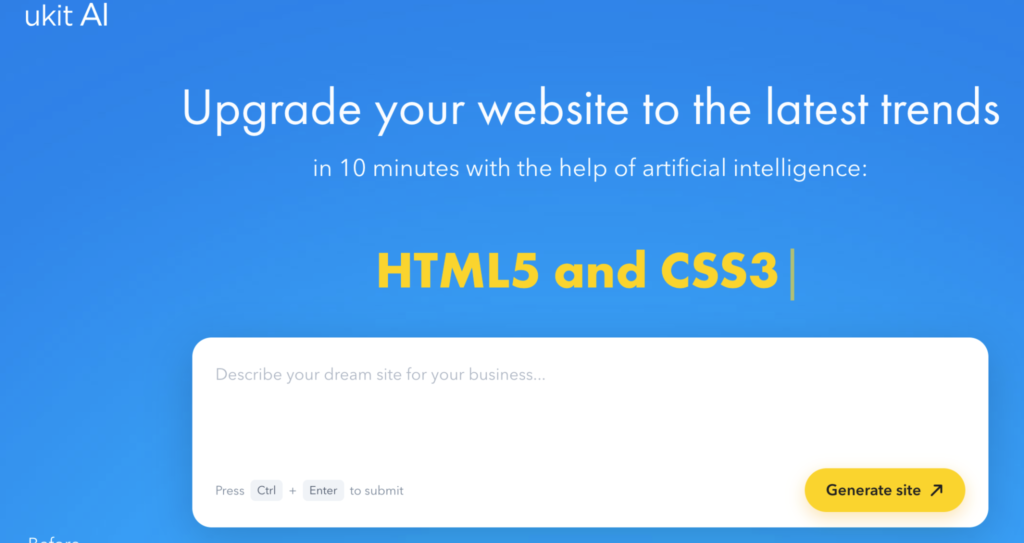
For a portfolio site, what that means concretely: the technical problems get fixed, and the visual presentation gets elevated to contemporary conventions. If your site was built on an old template that never adapted properly to mobile, the upgraded version will look dramatically better on a phone. If your layout was dense and hard to navigate, the new version will breathe. The work itself – your images, your case studies, your client projects – gets presented in a context that does not undermine it before a visitor reads a word.
These are real improvements, and I do not want to minimize them. The question is not whether they matter – they do – but whether they are sufficient for the kind of site a creative professional actually needs.
What the AI Cannot See About Your Work
The AI works with what appears in the DOM of your existing site. It cannot see:
What makes your work distinctive rather than competent. It cannot read the aesthetic sensibility that runs through your projects and translate that into visual choices for the site itself. It applies current defaults, which are neutral – not wrong, but not specific to you.
What your best clients respond to. The AI has no idea whether your ideal client is attracted by a quiet, editorial presentation or by something bolder and more expressive. It applies conventions that are designed to be widely appropriate, which means they are optimized for no one in particular.
What you want the site to feel like. “Professional” means something different to a brand strategy studio than it does to a wedding photographer, a motion designer, or a copywriter. The AI cannot make that distinction. It produces a site that looks like a competent creative professional’s website. Whether that is close enough depends on how specifically your work needs to be presented.
This is not a criticism of the tool – it is the honest scope of what any automated process can do with a URL. The interpretation that creates a site that feels like you requires knowing who you are and what you are building toward. That is not in the HTML.
Where AI Redesign Fits Well for Creatives
When the technical state of your site is actively working against you. If a potential client looks up your work on their phone and the layout is broken, the first impression is the technical failure, not your work. That is a problem worth fixing quickly, and an AI upgrade is a fast, proportionate fix. A site that loads correctly on mobile and runs on HTTPS gives your work a fair chance to do its job.
As a bridge while a proper redesign is in progress. Portfolio sites often need updating more urgently than they have budget for. An AI-generated upgrade can buy time while you work on a more intentional version – or while you wait for the right moment to invest in something custom. Having a technically sound site live is better than having the right design still in planning.
For the informational layer of a studio site. Most creative studio sites have two layers: the portfolio itself, which carries the brand weight and needs to look like the work, and the informational layer – services, process, contact, about – which needs to be clear and functional. An AI upgrade can handle the informational layer well, freeing your attention for the portfolio presentation, where the design decisions actually reflect your work.
As a starting point for understanding what needs more thought. An AI-generated version of your current site makes the gaps visible. If the upgrade looks largely right to you, the remaining gaps are probably content-level – the copy needs updating, the case studies need writing. If it looks right technically but wrong in terms of feel, that tells you that the visual identity work is what actually needs to happen next. Either way, the AI draft is more informative than a blank page.
The Platform Question for Creative Sites
When evaluating any AI redesign tool for a portfolio or studio site, the platform question matters more than it might for a service business. After the upgrade, the site lives in that platform’s ecosystem. If the platform offers enough design flexibility to make intentional choices – typography, color, layout variations – over time, it is a workable long-term home. If the flexibility is constrained enough that you quickly hit a ceiling, the upgrade was a short-term fix, not a solution.
For creative professionals thinking about where their site should live for the long term, the comparison in Best Website Builders to Create a Personal Website is worth reading before committing – it covers the actual range of control and flexibility across the main platforms, which matters specifically when the site is supposed to express a visual identity rather than just present information.
What to Do After the AI Upgrade
Assuming the upgrade gives you a technically sound foundation, here is where the real creative work happens:
Lead with your strongest work. The AI applies a default portfolio order based on what was there. Decide deliberately which project should go first and why – what does the client you most want to attract need to see immediately?
Rewrite the about section. Most about pages are too generic. “Designer based in X with a passion for thoughtful work” describes a large number of people. A specific about page tells a story about why you work the way you do, who you love working with, and what you bring to a project that others do not. The AI preserved whatever was there. This is the moment to make it specific.
Make the site interactive where it serves the client. A portfolio that is purely static – look at these images, send me an email – is missing the stage where a potential client figures out whether you are the right fit for their specific project. An interactive element that does this calculation for them reduces friction significantly. The case for this is made clearly in Why Every Modern Website Needs an Interactive Calculator – the same logic that applies to service businesses applies to creative portfolios, particularly when pricing or project scope is not immediately transparent.
Build a feedback loop. Once the site is live, the most valuable information about whether it is working comes from people who visit it – what they understood, what they did not, what question the site left unanswered. If you are not currently collecting this kind of structured input, a free survey tool is the practical starting point. The comparison in The Best FREE SurveyMonkey Alternative covers the main options for doing this without a paid subscription – useful for early-career creatives or studios that are not yet at the point of paying for research infrastructure.
The Honest Summary
AI website redesign tools make portfolio, studio, and personal brand sites technically sound, mobile-ready, and visually current. They do not make them feel like the person behind the work. That requires deliberate choices about visual identity, content specificity, and what the site is designed to make a visitor feel and do. The AI provides a foundation. The creative editorial work – deciding what to show, how to describe it, and what the site’s visual voice should be – is what turns that foundation into something that actually represents you.
For creatives who have been living with an embarrassing old site, the upgrade is a practical, fast improvement that deserves to happen. Just do not stop there.